
Maintenance and optimisation in Brussels: a fast, secure device
Does your computer take forever to start, overheat, crash or show strange windows? Over time, all devices slow down. Our maintenance and optimisation service gets your PC, Mac, smartphone or tablet back in shape, in our shop in Schaerbeek.
Request a diagnosisOpening hours and address
Today our computers and mobile devices are essential: for work, leisure and communication. But over time they slow down, collect useless files, catch viruses or wear out on the hardware side. Good maintenance and optimisation avoids costly repairs and extends the life of your device.
Does your device need servicing?
Tick what is happening to you: the gauge gives you an idea. The test is indicative, only a diagnosis in the shop is reliable.
No signs for now
Tick what is happening to you. Remember regular updates and backups.
Keep an eye on it
One or two signs: the device is starting to tire. A check will tell you what is going on.
Servicing is recommended
Several signs add up: the device would clearly benefit from cleaning and optimisation.
Our maintenance and optimisation: 6 services
Everything we do to get your device back in shape.
Complete, free diagnosis
We identify the real cause of the slowness or faults before any work.
Cleaning and optimisation
We lighten the device and improve its performance. See also our cleaning and maintenanceservice. See the details of computer cleaning in Brussels.
Virus removal
We remove malicious software and secure your data.
Updates
System and software updates, for security and stability.
Replacing components
Battery, screen and other components: see our battery replacementpage.
Backup and recovery
Backup of your data and data recovery in case of failure.
Good everyday habits
A few simple habits to keep a device fast for longer.
Update
Updates fix security holes and bugs: do not put them off indefinitely.
Back up
A copy of your important files saves you a lot of trouble if something fails.
Stay careful
Be wary of unknown links and attachments, and of “free” installations.
Dust it off
Dust blocks ventilation and causes overheating, especially on laptops.
How does the work go?
Simple and transparent: you know what is being done.
Diagnosis
We test the device and look for the cause of the slowness or problems.
Work
Cleaning, optimisation, virus removal, updates: depending on what is needed.
Check
We check that everything works properly before returning your device.
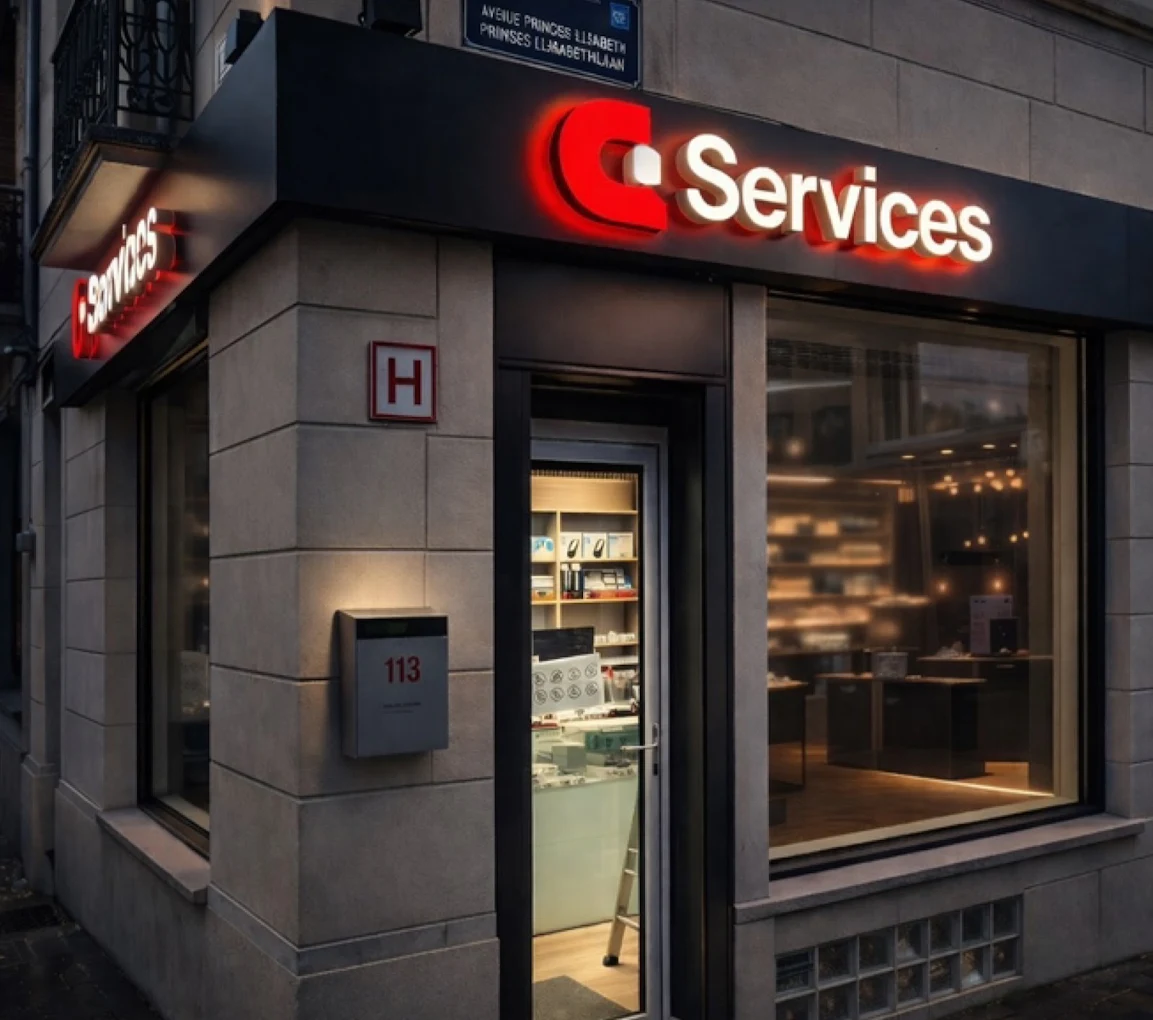
Come to the shop, in Schaerbeek
For the maintenance and optimisation of your device, drop by the shop, or message us on WhatsApp first describing the problem: we will tell you how to proceed.
Frequently asked questions about maintenance and optimisation
Answers to the questions we are asked most often.
Why has my computer become slow?
There are several possible causes: too many programs at start-up, almost full storage, dust causing overheating, unwanted software or viruses. A diagnosis finds the real cause.
Is the diagnosis free?
Yes: the complete diagnosis is free. We explain what we find and what we recommend.
Will you delete my files?
An optimisation does not normally require deleting your files. If a reinstallation were needed, we would tell you before doing anything.
Do you remove viruses?
Yes: we remove malicious software and secure your device.
Does it also work on Mac and smartphone?
Yes: we work on PCs, Macs, smartphones and tablets.
A slow or temperamental device?
Before buying a new device, have it diagnosed. For your maintenance and optimisation, we simply tell you what is necessary.
See our repair prices
Choose your brand and model: battery, screen, back glass… you see the price straight away.
See repair pricesIndicative prices: the final price is confirmed on WhatsApp before the repair.
Read also